
ELNIQ GEO Chrome Extension
Check your brand visibility in ChatGPT, right from your browser
Enter your brand, category, and location — the extension asks ChatGPT the questions your customers would, and shows you exactly how it answers.
Add to Chrome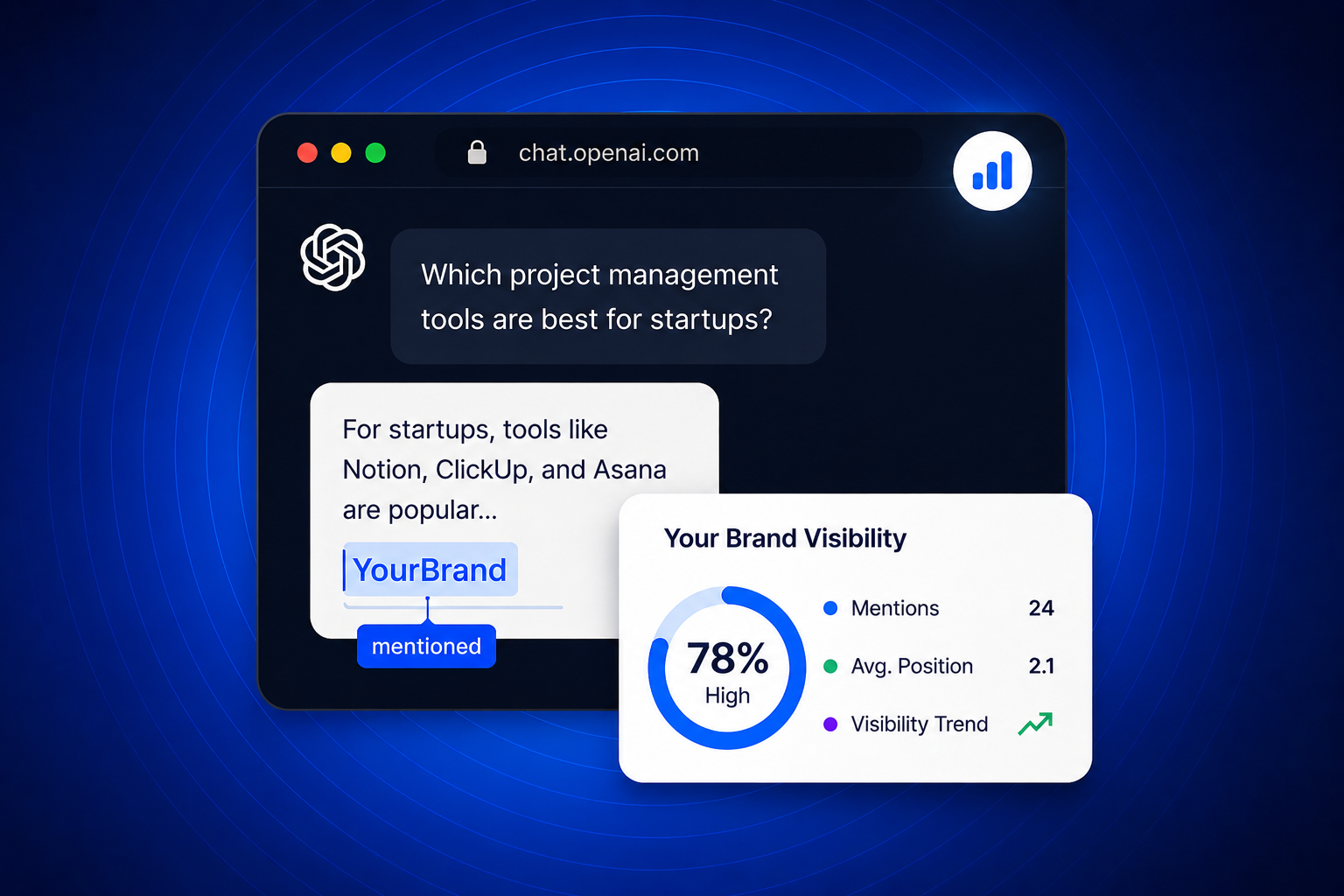
See exactly how ChatGPT talks about your brand
Every check runs your brand through 5 real ChatGPT query types and returns a full visibility report — Summary, Recommendations, and response-by-response detail.
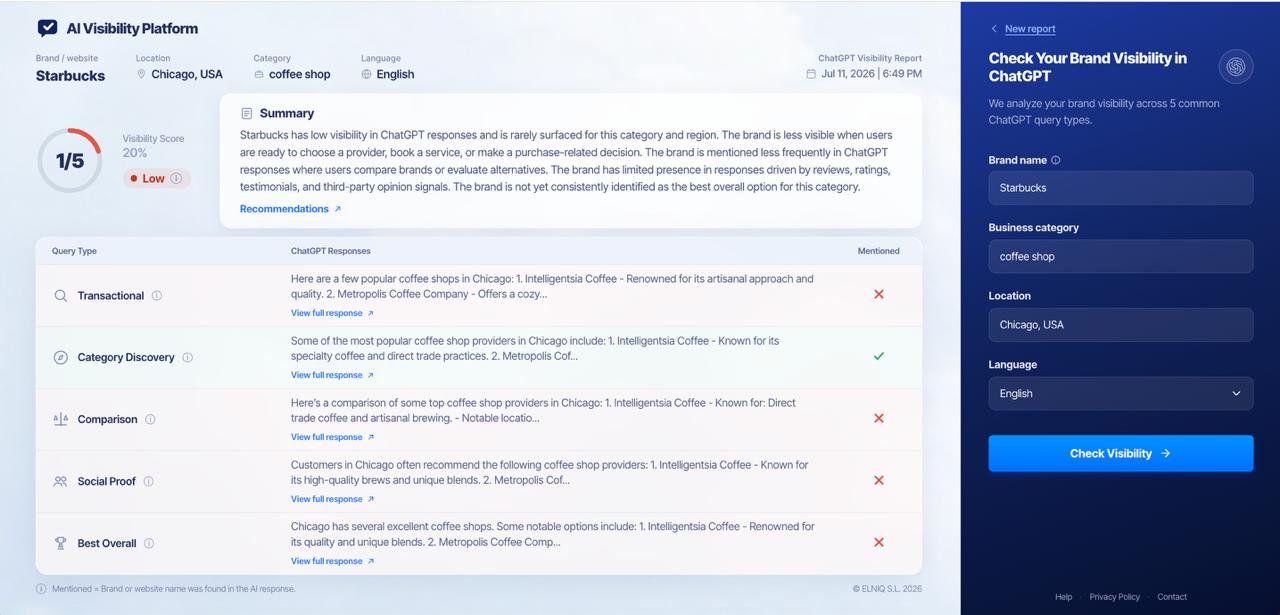
One score. Every visibility state.
From strong visibility to no visibility at all — see where your brand stands today.
Not visible
Low visibility
High visibility
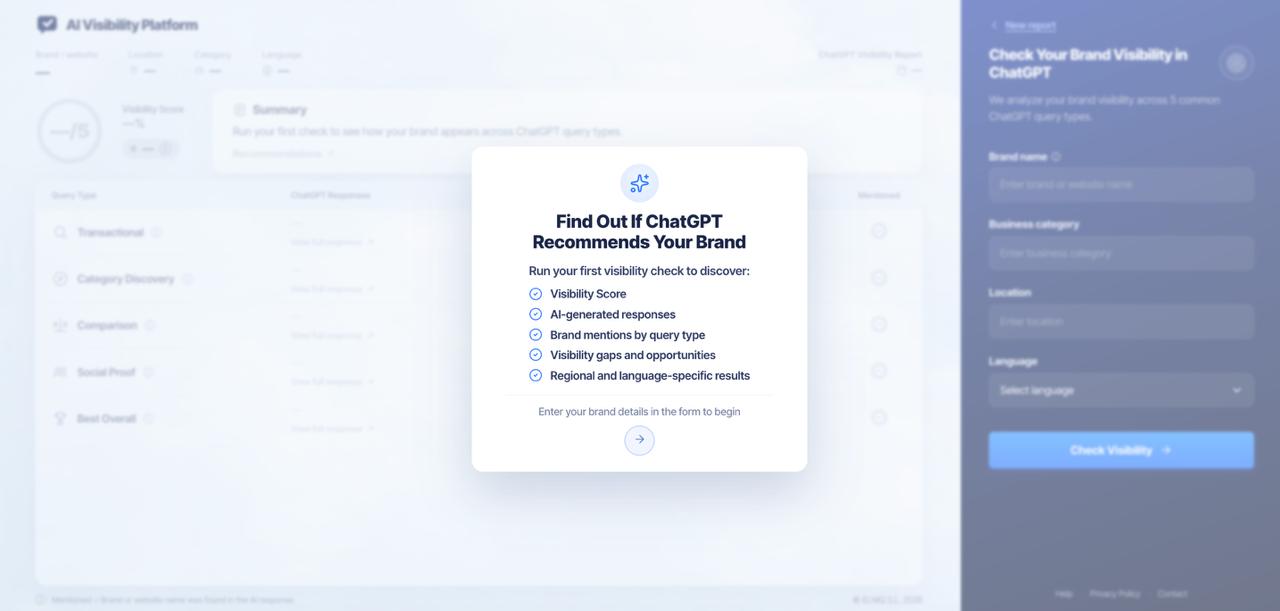
Run your first check in seconds
No setup, no code. Enter your brand details and get a full report instantly.
Why use the extension?
Instant Visibility Check
Get a full ChatGPT visibility report in seconds, right from the extension.
Real ChatGPT Responses
See the actual answers ChatGPT gives — not a simulation or estimate.
5 Query Types Tracked
Transactional, Category Discovery, Comparison, Social Proof, and Best Overall.
Regional & Language Testing
Check visibility by location and language to see how results vary by market.
Actionable Recommendations
Each report includes recommendations to help you close visibility gaps.
One-Click Reports
Save and revisit past visibility checks from your ELNIQ GEO account.
Who is it for?
Brand owners
Marketing teams
SEO & GEO specialists
Agencies
E-commerce businesses
Requirements
Google Chrome browser
ELNIQ GEO account
Active subscription
How it works
1
Add the extension from the Chrome Web Store
2
Enter your brand, category, and location
3
Select a language and run the check
4
Get your ChatGPT Visibility Report instantly
Ready to see your brand through ChatGPT's eyes?
Add the extension and run your first ChatGPT visibility check today.